
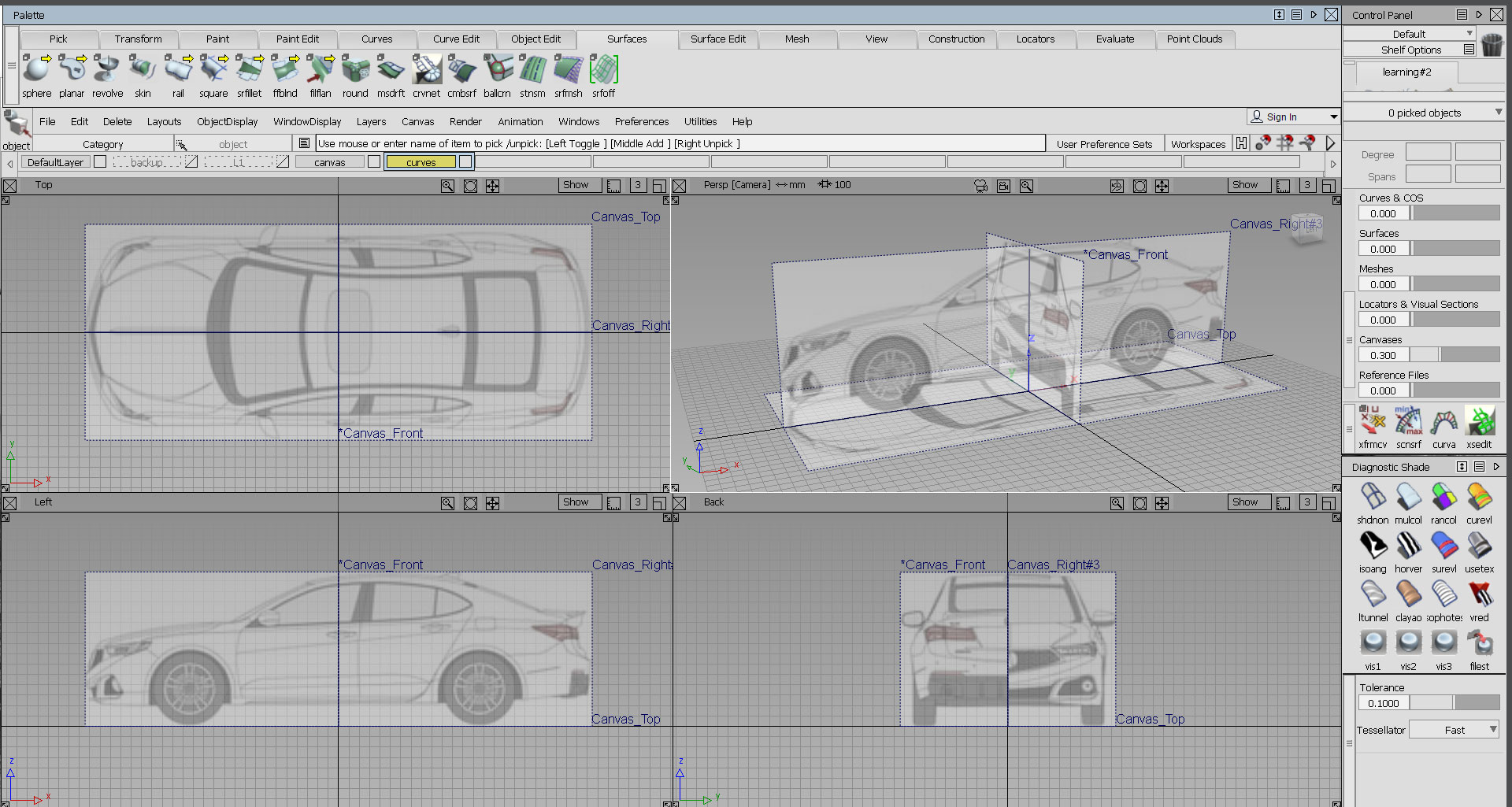

Continue to do this for your Front/Rear and Top Views.
You may choose to put your Front/Rear image in either the front or rear canvas. This will not affect anything in this case.
Now size and move the canvases accordingly so that they match up with each other.
*make sure that you are on the correct canvas when importing a view*
*make sure that the check box to “always create new canvas” is always clicked*